
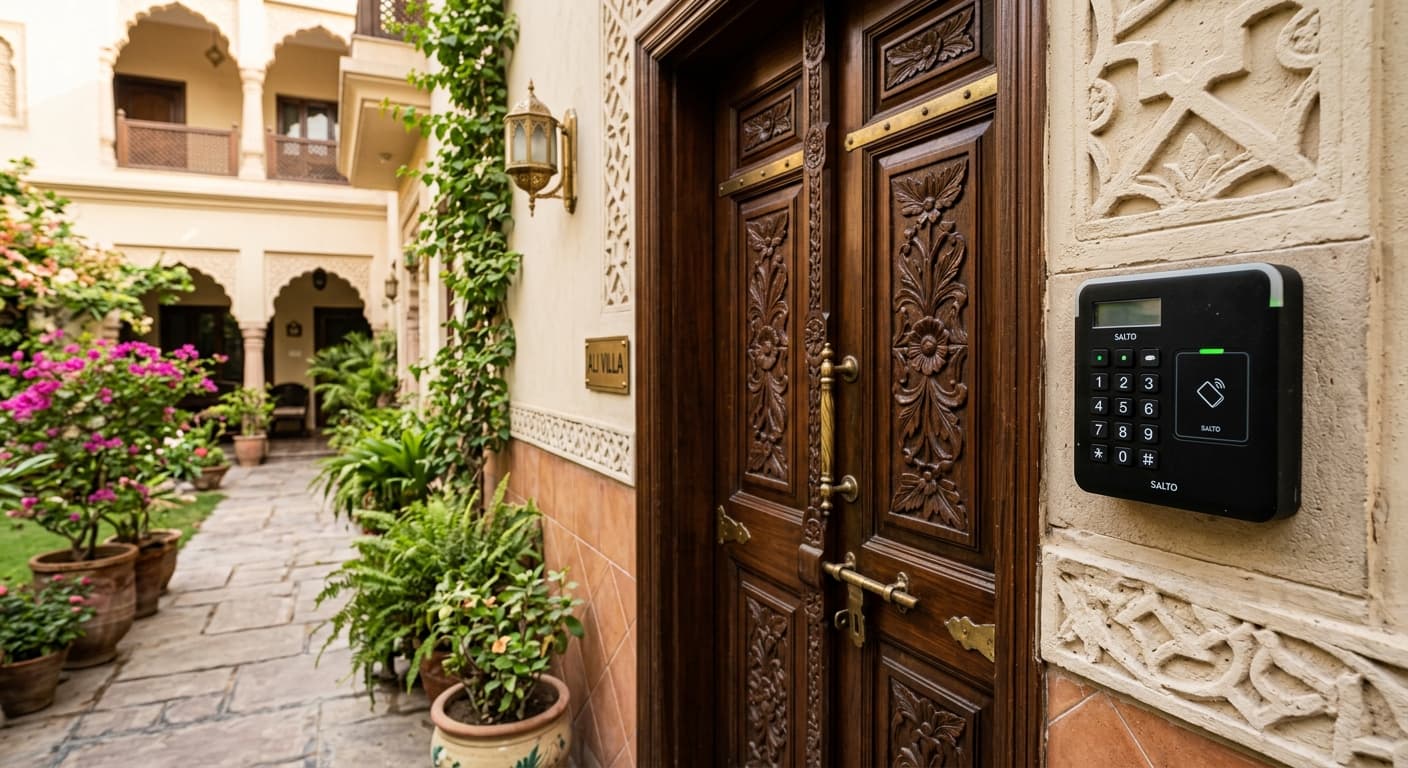
Keypad access
Codes for sites where issuing cards is unnecessary, or as a backup to a credential. Codes are planned so they can be changed when people leave.
Access Control
Who can open which door, and when — credentials, readers and locks commissioned as one entry system.
Entry control
Access control is the entry layer: readers, credentials, locks and the permission set behind them. A single door with a keypad is a different job from a multi-door workplace with staff turnover. This page covers that entry layer specifically — alarms sit on their own page, and the broader Security & Access page introduces the category.
Door survey
Timber, metal or glass doors — and whether the frame can take a strike or maglock cleanly.
Staff, residents, visitors and after-hours access — each affects credential type and schedules.
Reader power, lock release and network paths planned together so the door unlocks reliably.
Keypad, card or fob — matched to turnover and whether codes need changing when people leave.
Credentials
Keypads suit sites where issuing cards is unnecessary or as a backup credential. Cards and fobs work better when permissions need to be issued, revoked and timed. The reader and lock are specified together so unlock behaviour is reliable — not a separate afterthought.
How people enter
Codes for sites where issuing cards is unnecessary, or as a backup to a credential. Codes are planned so they can be changed when people leave.
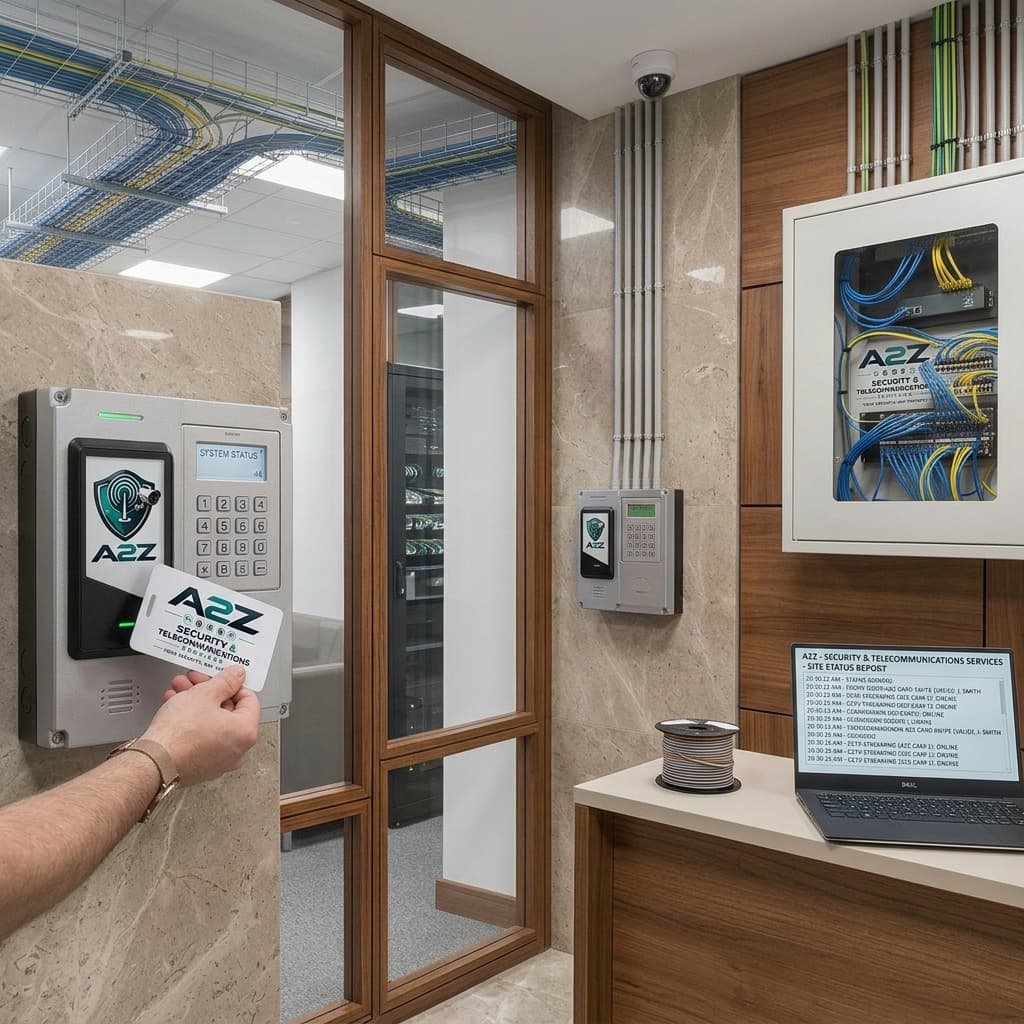
Credentials that can be issued, revoked and timed — typical for workplaces and multi-tenant entries where permissions need to stay current.
Permissions and locks
System integration
Access control often shares a brief with intrusion alarms, cameras at the same door, or an intercom that needs to release the lock. Those systems have their own pages; the install is cleaner when they are scoped together from the first site walk.
Access control examples
Reference imagery until additional A2Z project photography is supplied.
Wall-mounted reader with keypad and card sensor at a secured entry.
Proximity credential presented at the reader for controlled entry.
Access control questions
Often yes. Many timber and metal doors can take a reader and electric lock if the frame and power path allow a clean install.
Tell us about doors, occupancy and how people enter today — we will scope readers, locks and permissions.